Shared Equipment & Checkout Workflows Hub
Shared equipment stays available when checkouts are easy, rules are clear, and overdue follow-ups are automatic.
This hub collects guides for building checkout flows, preventing missing items, and keeping teams aligned across shared spaces and hybrid work.
Start here
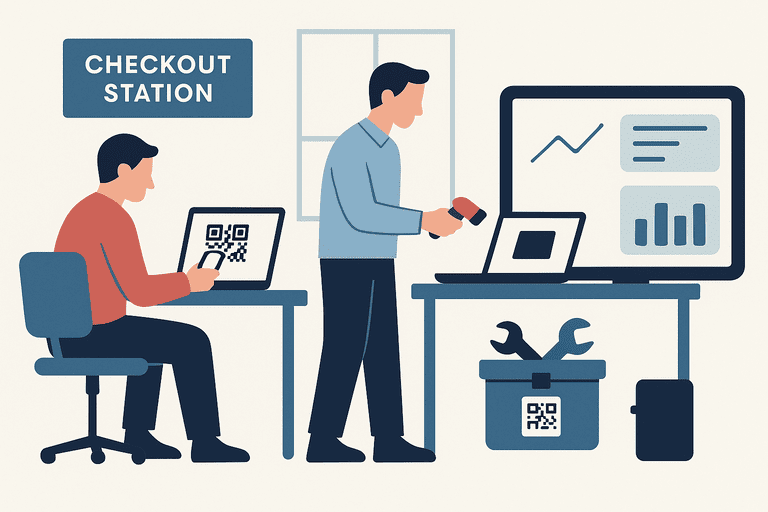
Equipment Checkout Software for Schools: Buyer Guide
Compare equipment checkout software for schools by check-in/check-out, due dates, return condition, borrower history, and rollout effort for small IT teams.
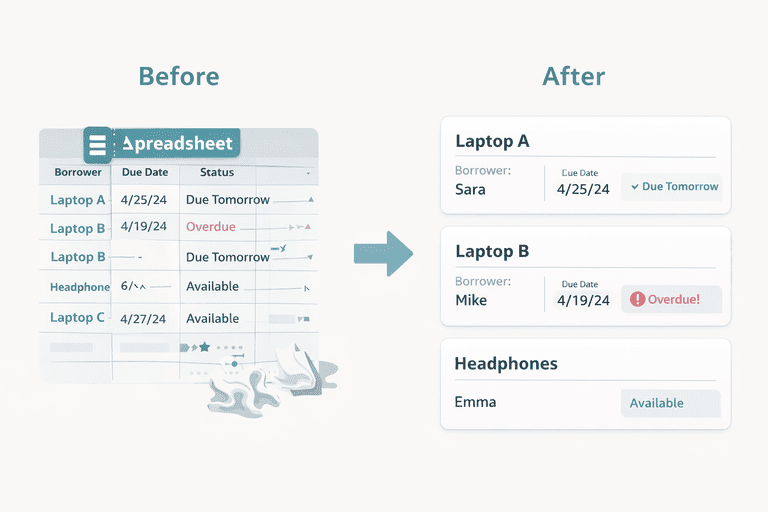
Spreadsheet Alternative for Equipment Checkout Systems
A practical spreadsheet alternative guide for small IT teams running equipment checkout, with a 2-week migration plan and buyer checklist.
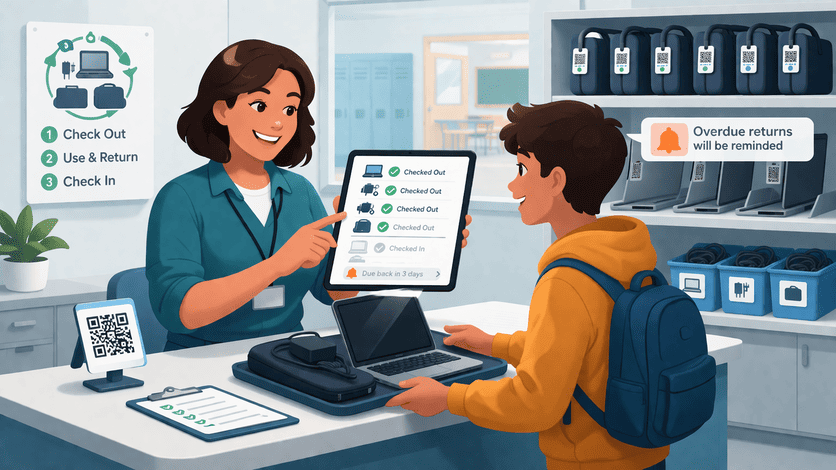
Equipment Checkout System for Schools: Small Team Playbook
Choose an equipment checkout system for schools with a practical matrix, 2-week rollout checklist, and small-team workflow guidance.
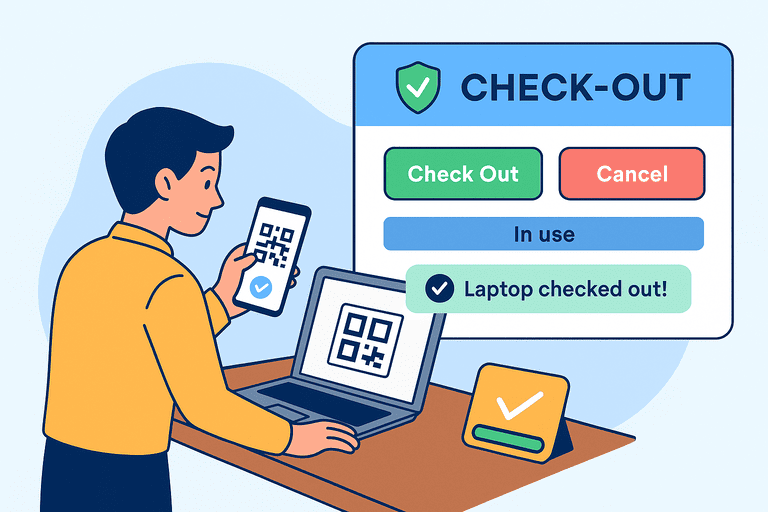
Asset Check-In/Out Flow Design: UX That Reduces Errors
UX principles for asset check-in/out flows that reduce errors with clear states, confirmations, and timely reminders.
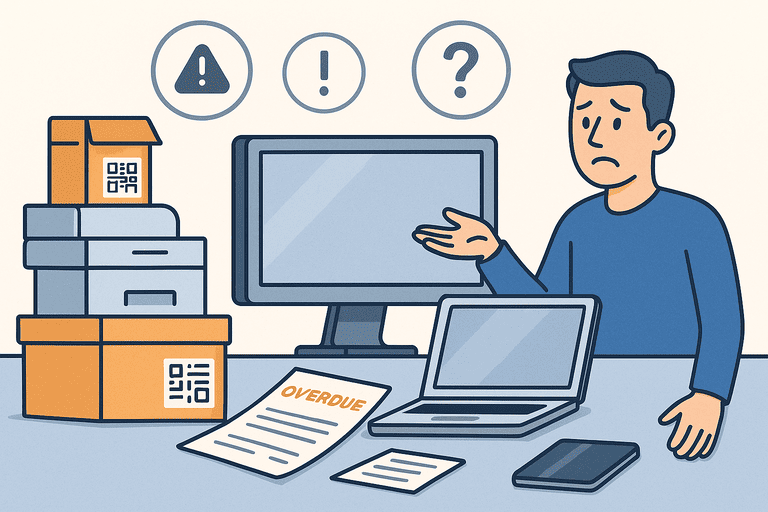
Why Shared Inventory Fails Without Accountability for Teams
See why shared inventory breaks down without clear accountability—and how logs, ownership rules, and permissions keep assets under control.
Checkout Fundamentals
Build a flow that reduces errors and makes checkouts/returns frictionless.
Equipment Checkout Software for Schools: Buyer Guide
Compare equipment checkout software for schools by check-in/check-out, due dates, return condition, borrower history, and rollout effort for small IT teams.
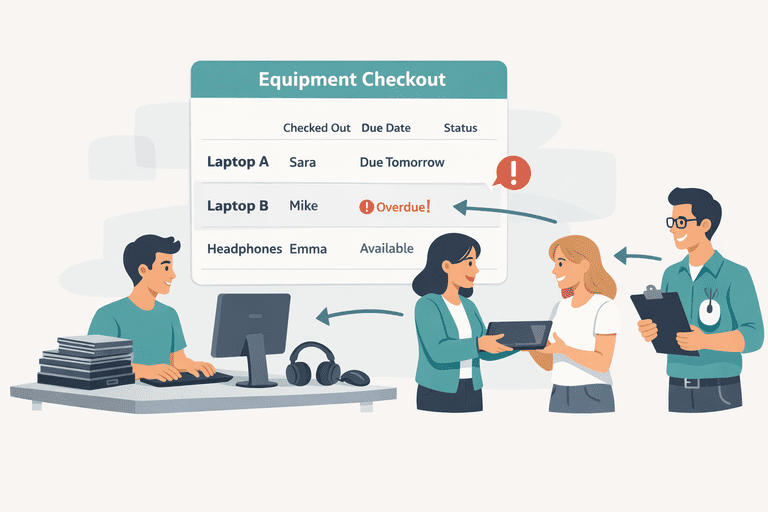
Equipment Checkout Software: Choosing the Right System
Use a practical decision framework to choose equipment checkout software for small teams, including school-specific workflow checks.
Spreadsheet Alternative for Equipment Checkout Systems
A practical spreadsheet alternative guide for small IT teams running equipment checkout, with a 2-week migration plan and buyer checklist.
Equipment Checkout System for Schools: Small Team Playbook
Choose an equipment checkout system for schools with a practical matrix, 2-week rollout checklist, and small-team workflow guidance.
Asset Check-In/Out Flow Design: UX That Reduces Errors
UX principles for asset check-in/out flows that reduce errors with clear states, confirmations, and timely reminders.
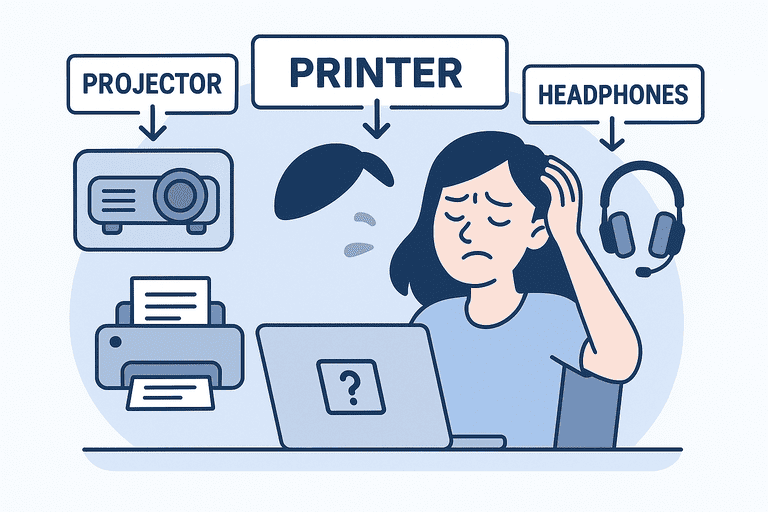
How to Track Shared Office Equipment Without Losing Control
A practical shared-office-equipment workflow covering handoffs, returns, exceptions, and recurring verification without heavy admin overhead.
Accountability & Policies
Use clear rules and ownership to prevent “inventory drift”.
Why Shared Inventory Fails Without Accountability for Teams
See why shared inventory breaks down without clear accountability—and how logs, ownership rules, and permissions keep assets under control.

Shared Equipment Policy Template for Small Teams Guide
A shared equipment policy template covering borrowing rules, return expectations, accountability, verification, and exception handling.
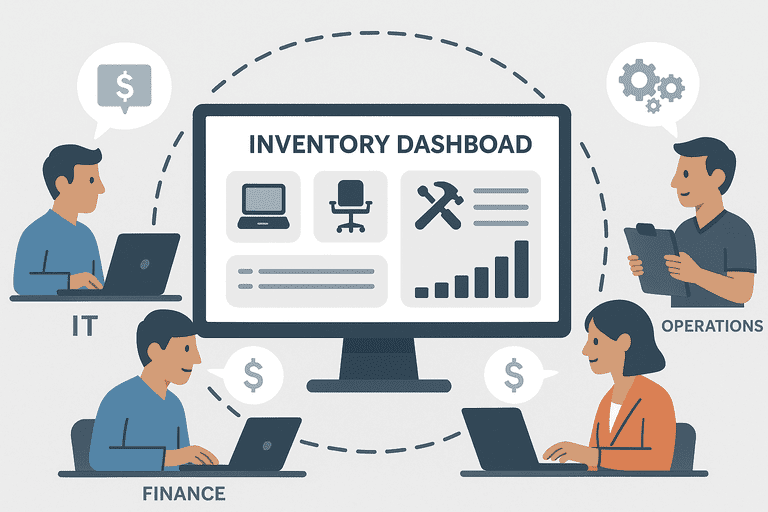
How Inventory Transparency Improves Cross-Team Collaboration
How inventory transparency reduces friction between teams—shared visibility, clear ownership, and fewer conflicts over assets.
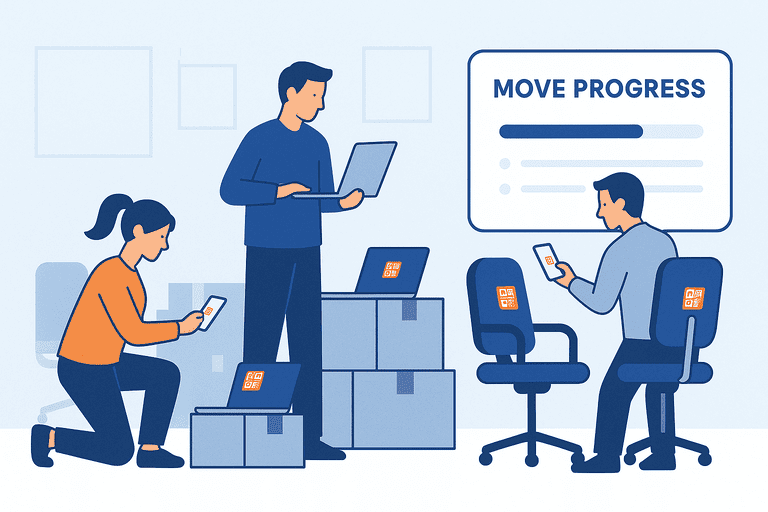
Office Move Equipment Checklist for Asset Tracking
A practical office move equipment checklist for tracking laptops, monitors, furniture, and shared gear through departure, arrival, and reconciliation.
Reservations, Kiosks, and Automation
Scale checkout operations with reservations, self-service kiosks, and automated reminders.
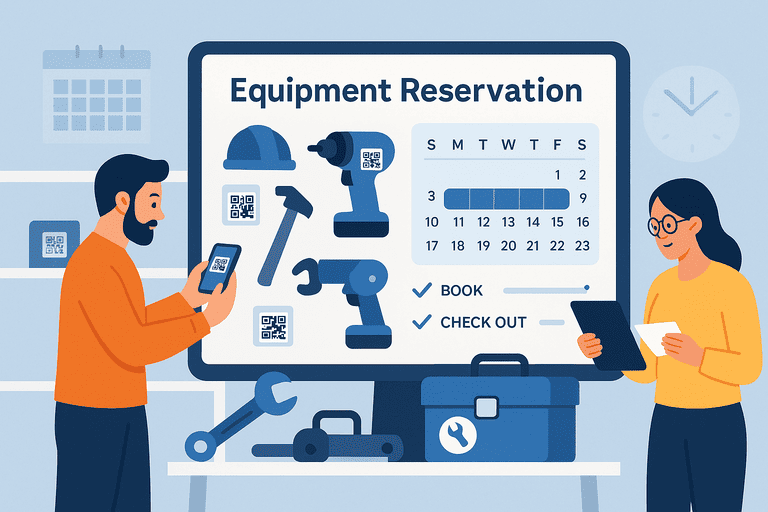
Equipment Reservation Best Practices for Shared Assets
Practical equipment reservation rules for shared assets, including booking windows, return controls, no-show handling, and utilization reporting.
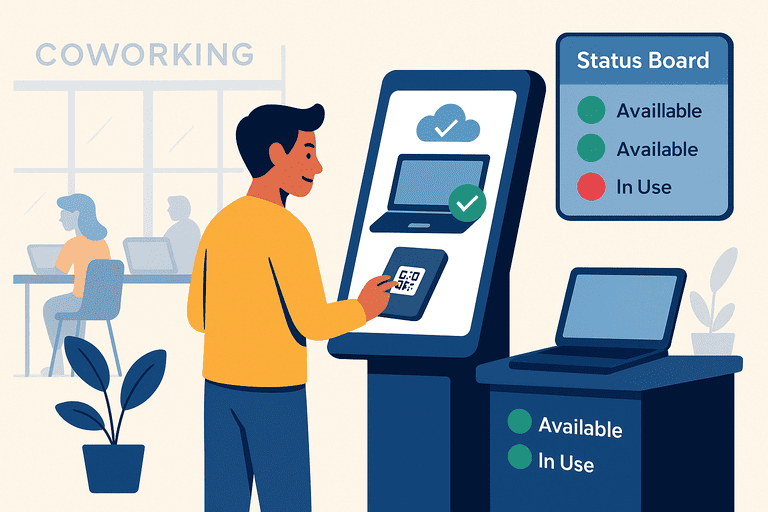
Self-Service Kiosks for Asset Checkout in Shared Spaces
How self-service kiosks streamline asset checkout in shared spaces with secure access, automation, and real-time availability.
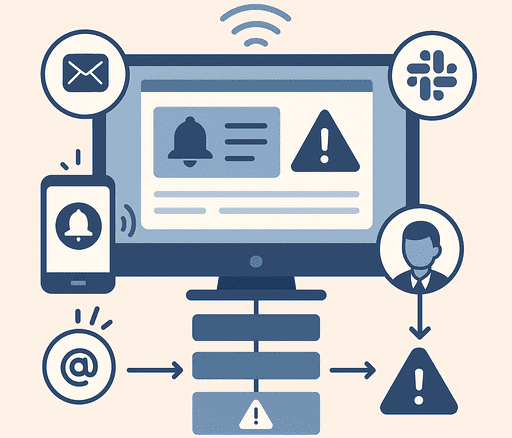
Inventory Notifications and Escalation Workflows Guide
How to design inventory reminders, exception alerts, and escalation paths that reduce overdue returns, missed issues, and alert fatigue.
Try InvyMate
Start tracking assets with QR codes and scheduled audits.