Audits
IT Asset Audit Frequency: Monthly vs Quarterly Guide
A practical guide for small IT teams to choose audit cadence: when monthly beats quarterly, how to handle spares, and how to run audits as repeatable sessions.
Audit cadence is a leverage point: too rare and your data drifts; too frequent and nobody keeps it up.
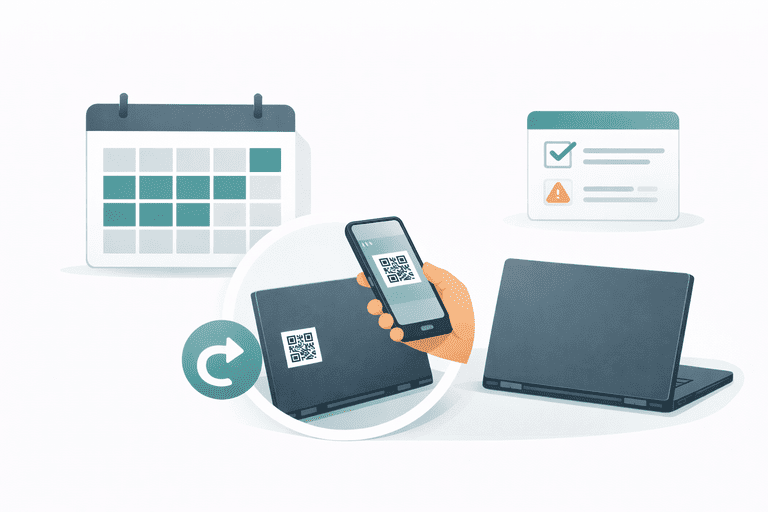
This guide helps small IT teams pick a practical audit frequency for laptops and peripherals. Not for warehouse stock, consumables, or reordering workflows.
TL;DR
- Quarterly is the default for laptops/peripherals in growing or hybrid teams.
- Monthly is best for high-movement pools (spares, loaners).
- Bi-annual can work only if movement is low and offboarding is disciplined.
- Always run audits as a repeatable session and update records immediately.
Start here:
- Checklist: IT Asset Audit Checklist (for Small IT Teams)
- Workflow SOP: How to run inventory sessions
- Hub: IT Asset Management Hub
What You’re Optimizing For
Pick the primary reason you audit:
- Recoverability: catch missing items while they’re still recoverable
- Trust: keep assignments/locations accurate for day-to-day ops
- Risk: avoid unknown owners and unmanaged endpoints
- Cost: reduce duplicate purchases and peripheral leakage
If offboarding is the main failure point, pair cadence with closure:
Recommended Audit Frequencies (Simple Table)
| Asset group | Movement level | Suggested cadence | Why |
|---|---|---|---|
| Assigned laptops | Medium | Quarterly | Enough to catch drift without burnout |
| Issued peripherals (dock/charger/adapters) | Medium | Quarterly | Where “small losses” accumulate |
| Spare/loaner pool | High | Monthly | Fast movement → drift happens quickly |
| Storage inventory (IT room) | Medium | Quarterly | Prevents “ghost inventory” |
| High-risk devices (admins/security) | Medium–High | Monthly or quarterly + spot checks | Reduce unknown owner / status |
Monthly vs Quarterly: How to Choose
Choose monthly if…
- you have a spare/loaner pool
- devices move every week (hot desks, frequent swaps)
- you’re seeing repeated “unknown owner” or “missing peripherals” issues
Choose quarterly if…
- laptops are assigned to employees most of the time
- movement is mostly onboarding/offboarding
- you can reliably close offboarding returns
Choose bi-annual only if…
- movement is low (stable team)
- your offboarding process is strict and consistently closed
- you do spot checks after major events (moves, layoffs, acquisitions)
Run Audits as Sessions (So They’re Not a Nightmare)
The cadence matters less than the structure.
Baseline session workflow:
- pick a narrow scope (office, team, asset class)
- verify physically (scan/see it)
- reconcile unconfirmed items
- update records immediately
- close with a timestamped result
SOP: How to run inventory sessions.
Checklist: IT Asset Audit Checklist (for Small IT Teams).
Remote/Hybrid Considerations
Remote devices drift faster because you can’t “walk the office”.
Two practical approaches:
- quarterly audits + strict offboarding returns
- monthly verification for the loaner/spare pool
Remote SOP: How to Track IT Assets for Remote Employees.
FAQ
What’s the minimum audit we can do?
Quarterly verification of laptops + top peripherals, scoped by team or location, with immediate record updates. If you can’t do that, do a monthly audit of just the loaner/spare pool.
Should we audit by location or by assignee?
Do whichever matches your reality. Assigned laptops are easiest by assignee; storage/spares are easiest by location.
How do we measure audit success?
Track:
- % verified on time
- count of “unknown owner” assets
- count of missing items recovered within 7–14 days
If you need dashboard KPIs: KPI Dashboard for Asset Managers.
How InvyMate Helps
InvyMate supports repeatable verification:
- inventory sessions
- assignment history and audit-ready change logs
- fast identification via QR labels
Start here: Asset tracking built for small IT teams.
Related reading
- IT Asset Audit Checklist (for Small IT Teams)
- How to run inventory sessions
- Offboarding Equipment Return Checklist
- IT Asset Return Policy (Template)
- How to Track IT Assets for Remote Employees
Methodology
- This page was reviewed against adjacent InvyMate workflow pages and the external references listed below.
- Recommendations are written for practical asset-tracking operations and are intended to stay specific about workflow scope, tradeoffs, and implementation boundaries.
Related Standards and Guidance
- CIS Critical Security Control 1: Inventory and Control of Enterprise Assets · Center for Internet Security
- NIST SP 800-171 Rev. 3 · NIST
Try InvyMate
Start tracking assets with QR codes and scheduled audits.