Best Practices
Inventory Tracking for Hybrid and Remote Teams Guide
Short overview of what works for tracking assets across offices and home setups, with links into the deeper workflow and policy guides.
Keep this page as the shorter “what works” overview and route readers into the deeper workflow, shipping/returns, and verification guides.
- IT Asset Management Hub (Small IT Teams) · hub overview
- Remote and Hybrid Asset Tracking Workflow Checklist · related article
- Track IT Assets for Remote Employees: Shipping and Returns · related article
- Integrating Inventory with HR: Tracking Devices by Employee · related article
Audience: Teams evaluating whether their current hybrid inventory workflow is broken
First 7 Days IT Asset Tracking Implementation · guide
Inventory Sessions · feature page
In a hybrid world, gear is always on the move. From loaner laptops to webcams and mobile kits, shared assets now live in backpacks, coworking lockers, and across continents.
Yet most inventory systems were built for fixed locations, not flexible workflows.
This page is the shorter overview of what works in hybrid asset tracking. If you need the full workflow and policy structure, use: Remote and Hybrid Asset Tracking Workflow (Policy + Checklist).
🧩 The Problem with Traditional Inventory Tracking
Spreadsheets and legacy systems rely on:
- Static locations
- Manual updates
- Centralized check-in/check-out
But in hybrid teams:
- Equipment is frequently shipped, moved, or picked up on-demand
- Items may be assigned to remote staff for weeks or months
- There’s no central “office” to check anything against
“We sent out 10 headsets — two never made it back. And we only realized months later.”
❌ Why Spreadsheets Fail in Hybrid Environments
- No real-time visibility of who has what
- No mobile interface for remote workers
- No structured assignment history
- No alerts or overdue tracking
They assume everyone’s in the same place — which no longer applies.
✅ What Actually Works for Remote & Hybrid Asset Management
1. Person-Based Assignments
Assign each item to a person, not just a team or office.
- Keep clear records of usage
- Know who’s responsible — wherever they are
To automate assignments during onboarding/offboarding, connect inventory to HR: Integrating Inventory with HR: Tracking Devices by Employee.
2. QR Code Scanning
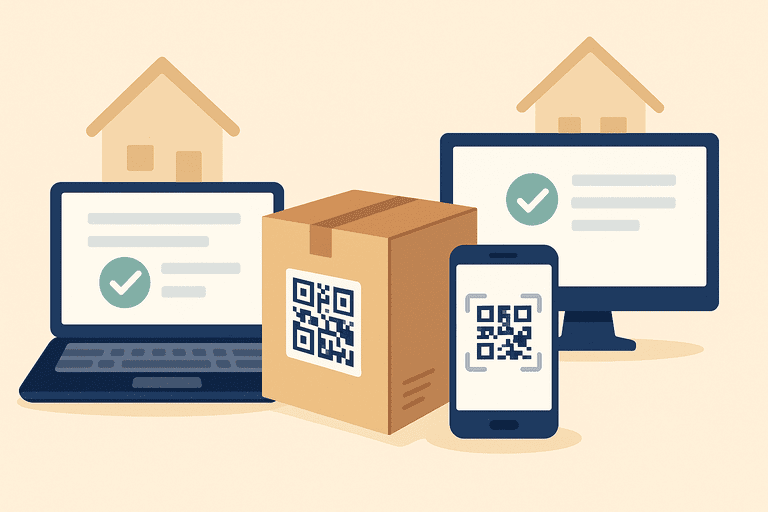
Send gear with a QR label. Remote teammates can scan to:
- Confirm receipt
- View item details
- Mark return or flag issues
For label placement, durability, and scan reliability, see: Tagging Best Practices: QR Code Placement, Durability, and Size.
3. Mobile-First Accessibility
Remote users need:
- A responsive web app or mobile tool
- No login friction, no spreadsheets
- Ability to scan, assign, or return gear instantly
4. Cross-Location Visibility
Know what’s in transit, with whom, or in storage.
- Use status tags (e.g. assigned, shipping, overdue)
- Group assets by region, team, or project
🧠 Bonus: Smart Workflows for Hybrid Teams
- Create sessions for short-term use (e.g. remote workshops)
- Run scheduled verifications or self-audits
- Set automated return reminders or hand-off deadlines
To make reminders effective (and avoid alert fatigue), use escalation rules: Inventory Notifications and Escalation Workflows.
For the operational sequence from issue -> receipt -> verification -> return, use: Remote and Hybrid Asset Tracking Workflow (Policy + Checklist).
🚀 Why InvyMate Works for Hybrid Teams
InvyMate was built for flexibility:
- Assign gear to users — not just spaces
- Scan and manage via any device
- See usage logs, location history, and availability in real-time
- Track remote assets without a central warehouse
🎯 Final Thoughts
Inventory tracking doesn’t stop when your team goes remote.
If anything, it gets more complex — and more critical.
Ditch the static spreadsheets and adopt a system that moves as fast as your team. Then use the workflow guide above when you need to standardize shipping, verification, and return policies across the team.
Related reading
- Asset Tracking in Remote / Hybrid Work Environments
- How Inventory Transparency Improves Cross-Team Collaboration
- QR Code Inventory Tracking: Setup Guide for Teams
- Top Inventory Management Challenges for Hybrid Work in Europe
- 5 Inventory Tracking Mistakes Coworking Spaces Make
Methodology
- This page was reviewed as the shorter overview for hybrid and remote inventory tracking, with the detailed workflow intentionally delegated to the dedicated remote asset tracking workflow page.
- It should remain a top-of-funnel explainer that routes readers into more specific policy and implementation guides.
References
- NIST SP 800-171 Rev. 3, CM-08 System Component Inventory · NIST
- CIS Controls: Inventory and Control of Enterprise Assets · Center for Internet Security
Try InvyMate
Start tracking assets with QR codes and scheduled audits.